
Time and Attendance System: How It Works, Types and How to Choose
A time and attendance system records when employees start and finish work, applies your shift and overtime rules to those punches, and sends approved hours to payroll. This guide explains how it works, the main clock-in methods, the features that matter and the questions to ask before you buy.
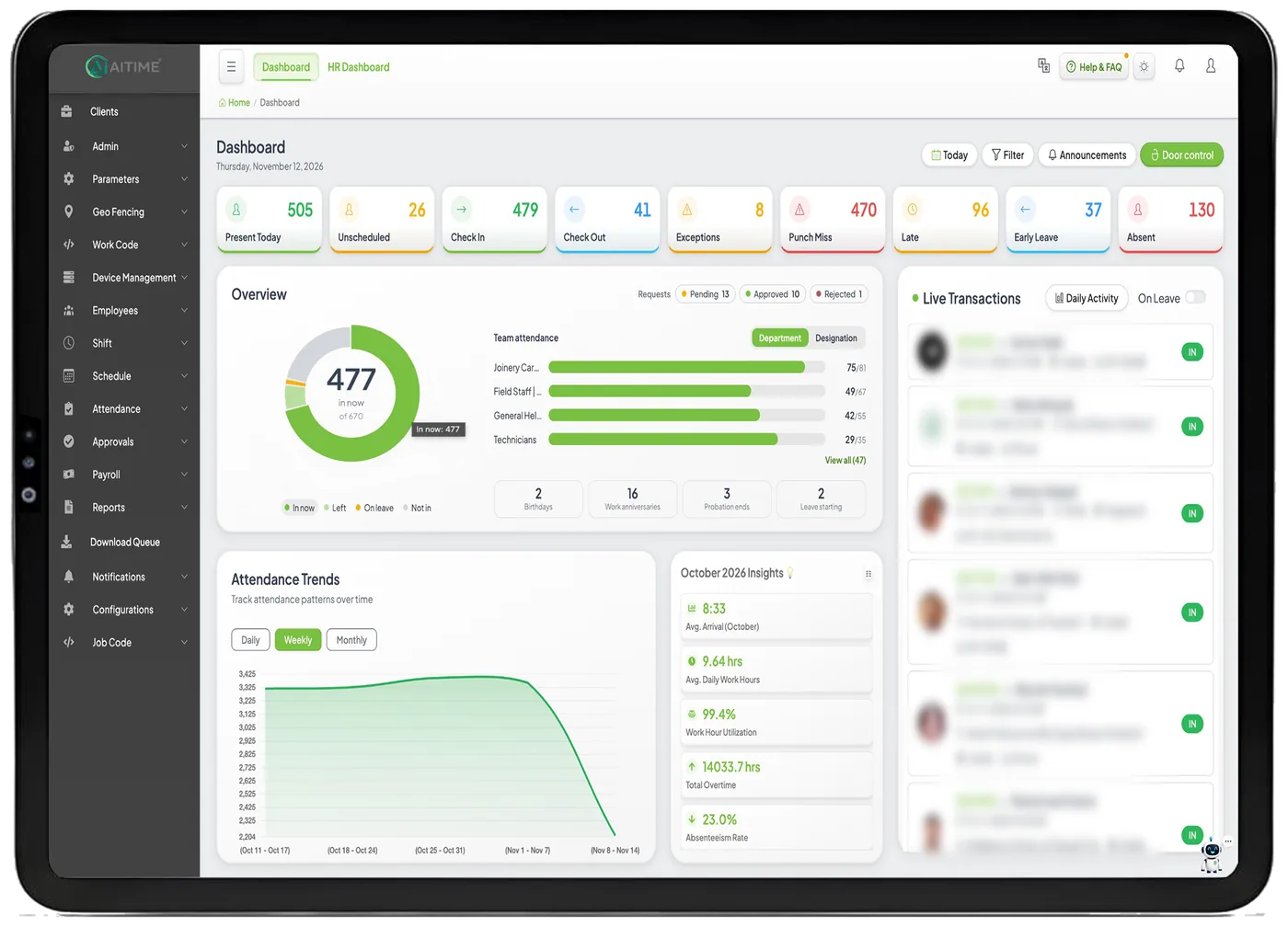
How a Time and Attendance System Works
Every system — from a single fingerprint machine to a multi-country cloud platform — follows the same five steps.
- 1
Employees clock in and out
At a fingerprint, face or card terminal, on a turnstile, or in a mobile app that checks their GPS location.
- 2
Punches are matched to schedules
The software compares each punch with the employee’s shift to flag late arrivals, early leaves, missed punches and absences.
- 3
Rules turn punches into hours
Breaks, grace periods, overtime, night work and holidays are applied, so every day ends as payable hours.
- 4
Managers approve exceptions
Missed punches, manual entries, overtime and leave go to the right person for a quick yes or no.
- 5
Hours go to payroll
Approved hours, overtime and deductions are sent to payroll, and reports show attendance trends over time.
Types of Time and Attendance Systems
The clock-in method decides how hard it is to cheat and who you can cover. Most businesses use more than one.
| Method | How it verifies | Best for | Watch out for |
|---|---|---|---|
| Fingerprint | Unique fingerprint on a terminal | Offices, warehouses and factories | Wet, dusty or worn fingers can fail to read |
| Face recognition | Face scan, touch-free | Busy shift changes, hygiene-sensitive sites | Needs reasonable lighting at the device |
| RFID / proximity card | A card or key fob | Door access and turnstiles | Cards can be shared — buddy punching |
| PIN code | A number typed on a keypad | Low-cost backup method | Easy to share; weakest proof of presence |
| Mobile app with GPS | Phone location inside a geofence, often with a selfie | Field, delivery, sales and site teams | Needs a clear geofence and offline support |
| QR code | Scanning a code placed at the site | Temporary sites and shared locations | Pair with GPS so codes can’t be scanned from a photo |
| Web clock-in | Login from a browser | Remote and hybrid office staff | Restrict by IP or location for on-site roles |
Go deeper: how biometric attendance works · face recognition attendance · mobile attendance app
Time and Attendance System vs Software
People often use the two terms for the same thing. Strictly, the system is the whole setup — terminals, turnstiles or phones that capture punches, plus the software behind them. The software is where the value is: it stores every punch, applies your rules, runs approvals and talks to payroll.
That is why the software matters more than the machine. A good platform works with the terminals you already own and adds mobile clock-in for everyone who never passes one.
See AiTIME time and attendance software →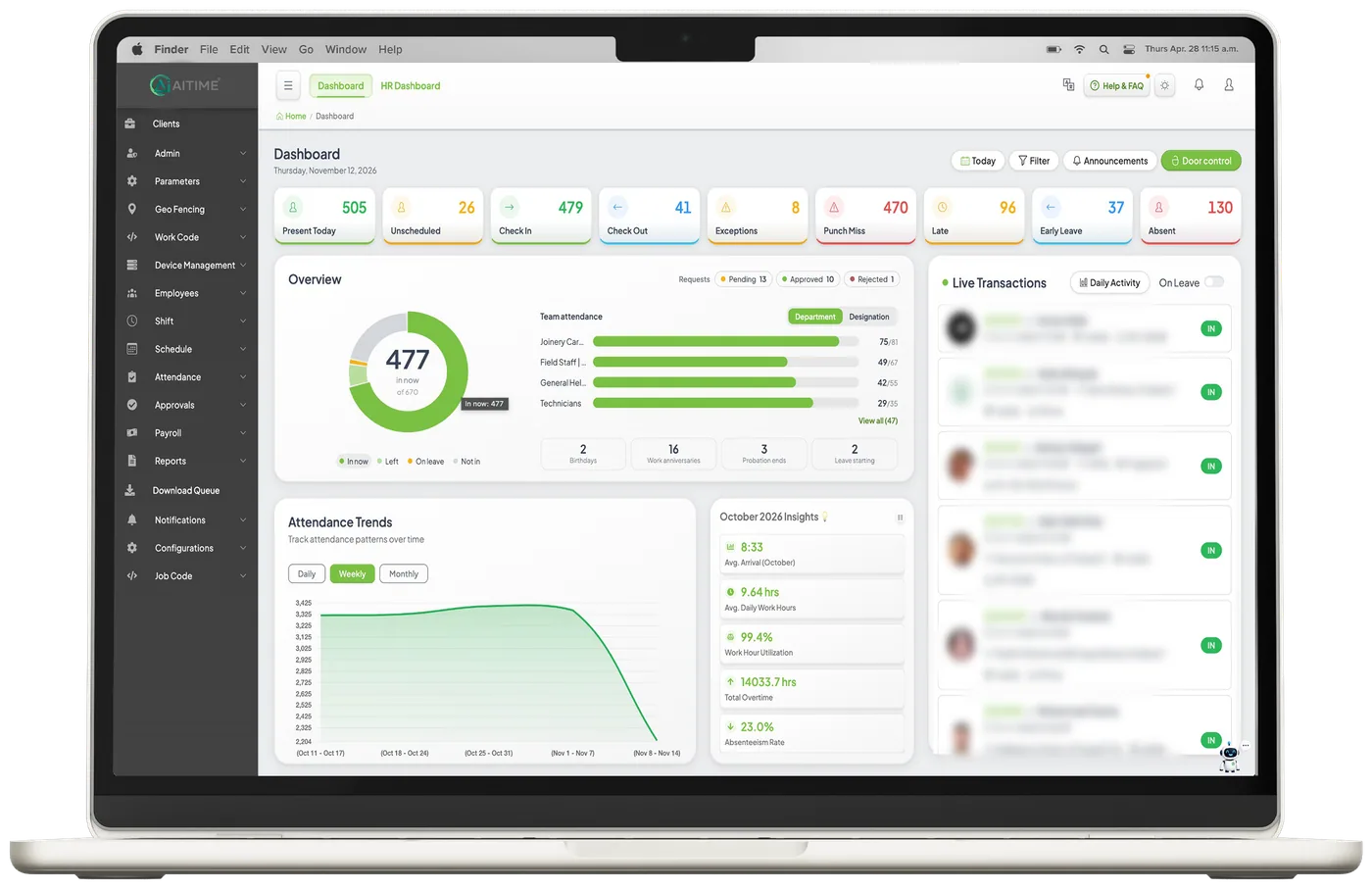
10 Must-Have Features in Time and Attendance Software
- Works with the clock-in hardware you already own
- Mobile clock-in with geofencing for staff away from the office
- Offline punching that syncs when the connection returns
- Shift templates, including night and rotating shifts
- Grace periods, late and missed-punch rules per group
- Overtime calculated from real punches, with approval
- Leave and public holidays in the same system
- Live dashboard of who is in, late or absent
- Payroll export — in the UAE, WPS and the SIF file
- Secure cloud hosting and role-based access
How to Choose a Time and Attendance System
Six questions to ask every vendor before you sign.
Does it support our devices?
List your terminals by brand and model. Replacing working hardware is the most expensive part of a switch.
How are our rules configured?
Ask the vendor to set up one real shift, with your grace period and overtime rules, during the demo.
What happens offline?
Site and field teams lose signal. Punches should be stored and synced, never lost.
How does data reach payroll?
A direct payroll link beats a CSV export that someone has to fix every month.
Where is the data stored?
Check hosting, backups, access controls and certifications such as ISO 27001.
Who sets it up and supports it?
Local setup, device installation and support in your time zone shorten the go-live.
Time and Attendance in the UAE
UAE businesses also need their time and attendance system to follow local rules — the 8-hour day and 48-hour week, overtime premiums, shorter Ramadan hours, the summer midday break for outdoor work and salary payment through WPS. AiTIME is built for these rules across all seven emirates.
Related guides
Time and Attendance System — FAQs
What is a time and attendance system?+
What is the difference between time and attendance and time tracking?+
Which type of time and attendance system is best?+
How does a time and attendance system prevent buddy punching?+
Is cloud time and attendance better than on-premise software?+
Do I need a time and attendance system in the UAE?+
See a Time and Attendance System Set Up for Your Shifts
Book a free demo and we will configure one of your real shifts — grace period, overtime and all — in AiTIME.