
NOW AVAILABLE ON-PREMISE
Download AiTIME for Windows
AiTIME is now available in the cloud and on-premise. Install AiTIME on your own Windows PC or server to run attendance, payroll and HR on your own infrastructure.
AiTime-TimeTracker-Setup.msi · Windows installer (.msi) · approx. 750 MB
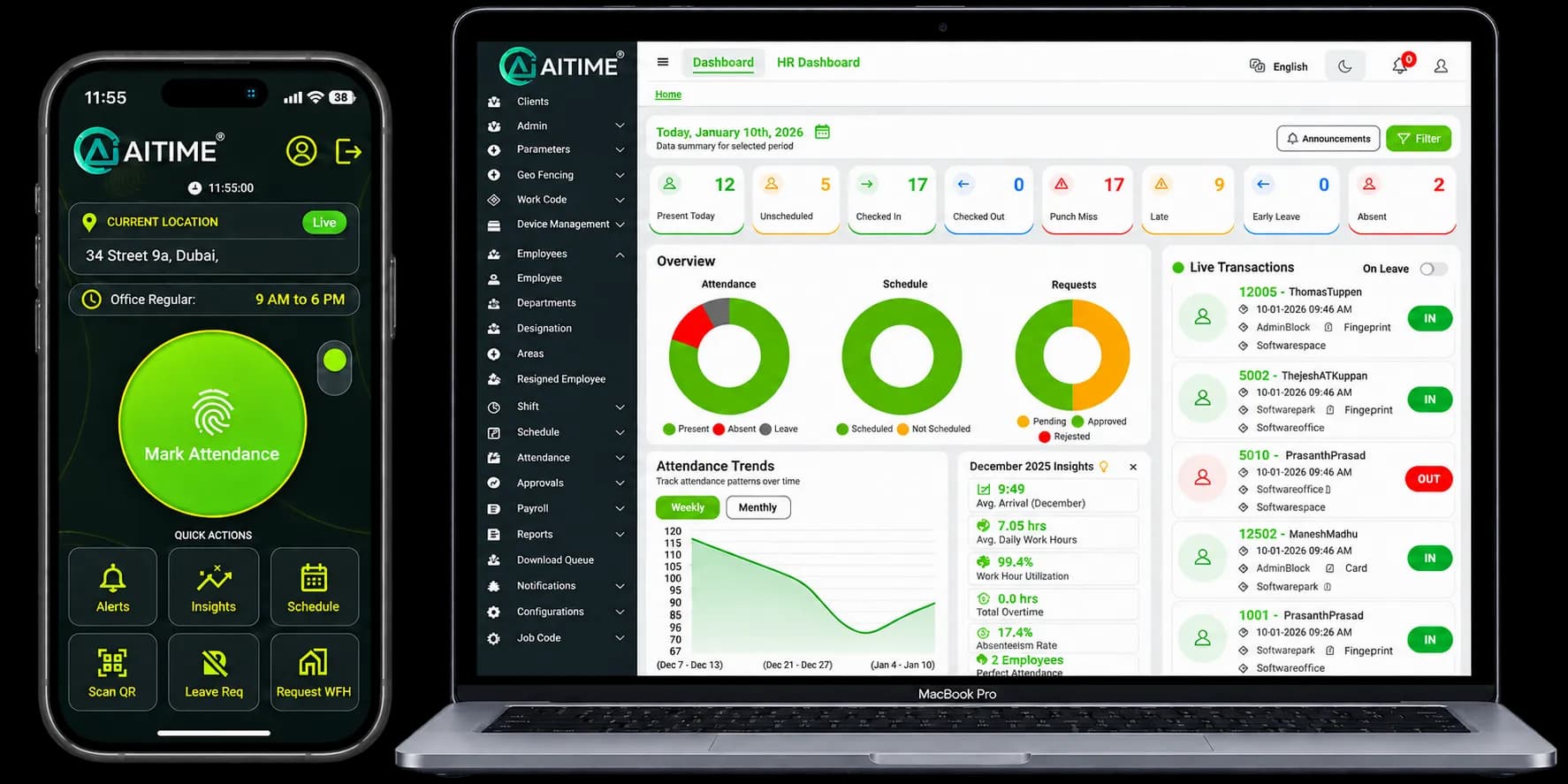
AiTIME Cloud vs AiTIME On-Premise
Same AiTIME team and support — choose where the software runs.
| AiTIME Cloud | AiTIME On-Premise | |
|---|---|---|
| Where it runs | Hosted by AiTIME | Your own Windows PC or server |
| Installation | Nothing to install | Windows installer (.msi), approx. 750 MB |
| Access | Any browser and the AiTIME mobile app | Installed application on your machine |
| Updates | Rolled out automatically by AiTIME | Install the latest version from this page |
| Best for | Fast setup and multi-site, remote access | Strict IT, security or data-residency policies |
How to install AiTIME on Windows
- 1
Download the installer
Click “Download for Windows” to get AiTime-TimeTracker-Setup.msi (approx. 750 MB).
- 2
Run the setup wizard
Open the downloaded file and follow the on-screen steps. You may need administrator rights on the computer.
- 3
Get set up with our team
Our technical support team can help you configure AiTIME and connect your biometric devices.
Need help with installation? WhatsApp technical support: +971 50 770 8865
Frequently Asked Questions
Is AiTIME available on-premise?+
Yes. AiTIME is available as a cloud service and as an on-premise Windows application that you install on your own PC or server.
What is the difference between AiTIME Cloud and AiTIME On-Premise?+
AiTIME Cloud is hosted and maintained by AiTIME — you sign in from a browser or the mobile app with nothing to install. AiTIME On-Premise is installed on your own Windows machine, so the software and your employee data run on your own infrastructure.
How do I install AiTIME on Windows?+
Download the AiTime-TimeTracker-Setup.msi installer, run it and follow the setup wizard. You may need administrator rights on the computer. Our technical support team can guide you through installation and device setup.
How big is the AiTIME Windows installer?+
The installer is approximately 750 MB. Use a stable internet connection for the download.
Should I choose Cloud or On-Premise?+
Cloud suits most businesses that want the fastest setup and access from anywhere. On-Premise suits organisations whose IT or data policies require software to run on their own servers. Our team can help you decide.