Remote Work Attendance Software — Mobile, GPS & Selfie Check-In
Track attendance for remote, hybrid, and field employees without biometric hardware. AiTIME's mobile app captures GPS location and selfie verification on every punch — giving managers real-time visibility across the whole workforce.
Built for Remote & Hybrid Teams
Everything you need to track attendance across office, remote, and field employees — from one platform.
GPS Check-In
Location is recorded on every punch — no geofencing hardware needed.
Selfie Verification
Face photo on every clock-in prevents proxy attendance.
Mobile App
iOS and Android app for clock-in, leave, schedules, and payslips.
Real-Time Reports
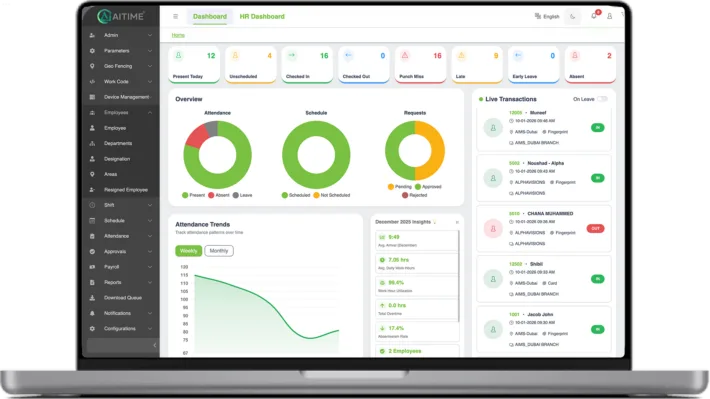
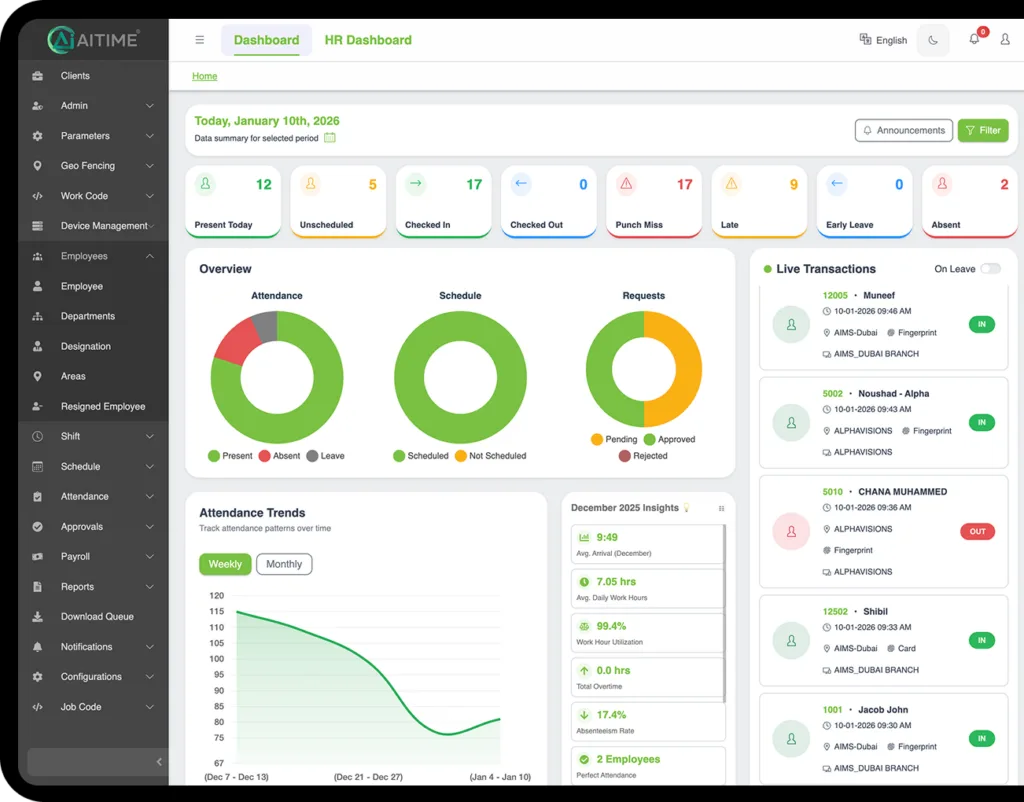
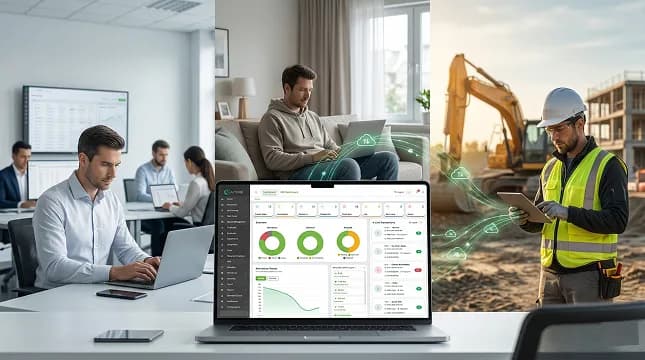
Live dashboard showing attendance across remote and office teams.
Leave Management
Remote staff apply and track leave from their phone.
Payroll Integration
Remote attendance data flows directly into payroll calculations.
Mobile Attendance
Clock In From Anywhere With the AiTIME Mobile App
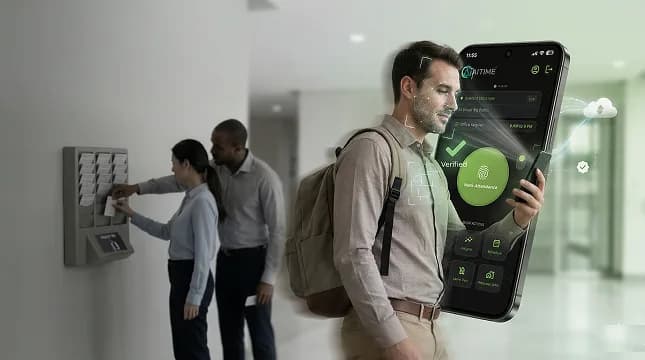
AiTIME gives remote employees a smartphone-based punch-in experience. Staff clock in with a single tap — GPS coordinates are captured automatically to confirm their location at the time of check-in.
- One-tap mobile clock-in and clock-out
- GPS location captured on every punch
- Works on iOS and Android
- No hardware or office presence required
Selfie Verification
Selfie Check-In to Prevent Buddy Punching
Remote employees take a selfie on clock-in. AiTIME uses face matching to verify identity — ensuring only the right person marks attendance, even when working from home or a remote site.
- Selfie photo captured on every check-in
- Face matching to prevent proxy attendance
- Photos stored for HR audit trail
- Works without a biometric device
Real-Time Visibility
Real-Time Dashboard for Remote Teams
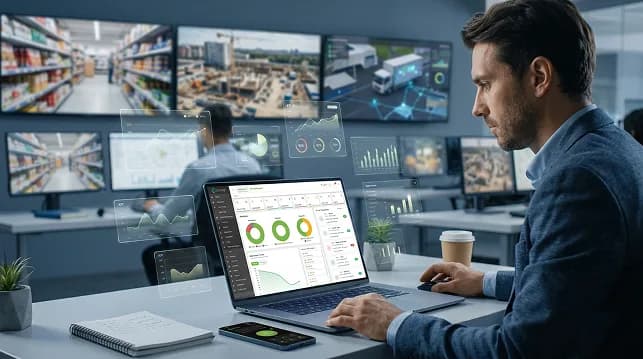
Managers get a live view of who is present, absent, or late — across remote, office, and field employees — from a single dashboard. Automated alerts flag anomalies instantly.
- Live attendance status for all employees
- Present, absent, and late alerts
- Remote vs office attendance breakdowns
- Exportable daily and monthly reports
Leave & Shifts
Leave and Shift Management for Hybrid Teams
Remote employees apply for leave, view their shift schedules, and receive approvals — all through the mobile app. HR teams manage hybrid rosters from the web dashboard without any manual coordination.
- Leave applications from the mobile app
- Shift schedules visible to remote staff
- Manager approval workflows
- Hybrid roster planning from one dashboard
Frequently Asked Questions
How do remote employees mark attendance in AiTIME?+
Remote employees use the AiTIME mobile app to clock in and out. Each punch captures the GPS location and an optional selfie for identity verification — no biometric device or office visit required.
Can AiTIME detect if a remote employee is at the right location?+
Yes. GPS coordinates are recorded on every check-in. Managers can see where each employee clocked in from on the dashboard. You can also set location-based rules to flag punches outside approved zones.
Does the selfie feature prevent buddy punching for remote teams?+
Yes. When selfie verification is enabled, the employee must take a photo at check-in. AiTIME matches it against the employee profile to confirm identity — making proxy attendance impractical for remote teams.
Can I manage both office and remote employees in one system?+
Yes. AiTIME handles biometric terminals in the office and mobile check-ins for remote staff from the same dashboard. You get a unified view of your entire workforce regardless of location.
Does remote attendance data feed into payroll?+
Yes. All mobile check-in data — hours worked, late arrivals, absences, and overtime — flows automatically into the payroll module. No manual entry is needed.
Is the mobile app available for both iOS and Android?+
Yes. The AiTIME employee app is available on both iOS and Android. Employees can clock in, apply for leave, view shifts, and check payslips from their smartphone.
Get Started
Start Tracking Remote Attendance Today
No hardware needed. Set up in minutes and give your team a mobile punch-in experience from day one.